Diffusers documentation
Legacy checkpoints
Legacy checkpoints
These settings apply mainly to older Stable Diffusion family checkpoints.
Safety checker
Diffusers provides a safety checker for older Stable Diffusion checkpoints to prevent generating harmful content. It screens the generated output against a set of hardcoded harmful concepts. Newer models such as Qwen-Image do not have this checker.
If you want to disable the safety checker, pass safety_checker=None in from_pretrained() as shown below.
from diffusers import DiffusionPipeline

pipeline = DiffusionPipeline.from_pretrained(
  "stable-diffusion-v1-5/stable-diffusion-v1-5", safety_checker=None
)
"""
You have disabled the safety checker for <class 'diffusers.pipelines.stable_diffusion.pipeline_stable_diffusion.StableDiffusionPipeline'> by passing `safety_checker=None`. Ensure that you abide by the conditions of the Stable Diffusion license and do not expose unfiltered results in services or applications open to the public. Both the diffusers team and Hugging Face strongly recommend keeping the safety filter enabled in all public-facing circumstances, disabling it only for use cases that involve analyzing network behavior or auditing its results. For more information, please have a look at https://github.com/huggingface/diffusers/pull/254 .
"""
Rescaling schedules
Denoising begins with pure noise, so the signal-to-noise (SNR) ratio starts at zero. Some models don’t actually start from pure noise, which makes bright and dark extremes hard to generate.
Train your own model with
v_predictionby adding the--prediction_type="v_prediction"flag to your training script. You can also search for existing models trained withv_prediction.
For a v_prediction model, enable these scheduler arguments.
- Set
rescale_betas_zero_snr=Trueto rescale the noise schedule to the very last timestep with exactly zero SNR - Set
timestep_spacing="trailing"to force sampling from the last timestep with pure noise
from diffusers import DiffusionPipeline, DDIMScheduler

pipeline = DiffusionPipeline.from_pretrained("ptx0/pseudo-journey-v2", device_map="cuda")  # or "mps", "xpu", "cpu"

pipeline.scheduler = DDIMScheduler.from_config(
    pipeline.scheduler.config, rescale_betas_zero_snr=True, timestep_spacing="trailing"
)
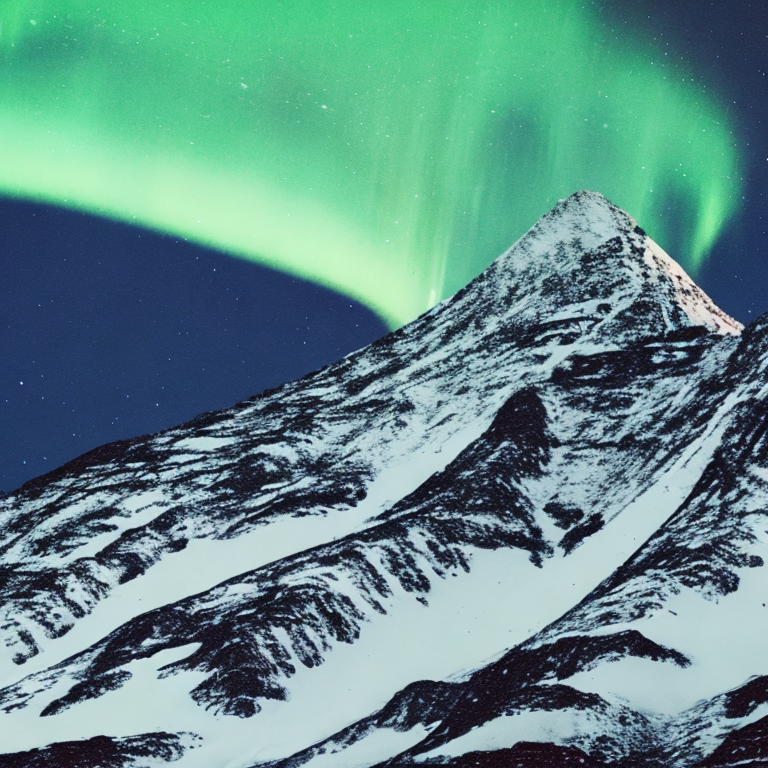
Set guidance_rescale in the pipeline to avoid overexposed images. A lower value increases brightness, but some details may appear washed out.
prompt = """
cinematic photo of a snowy mountain at night with the northern lights aurora borealis
overhead, 35mm photograph, film, professional, 4k, highly detailed
"""
image = pipeline(prompt, guidance_rescale=0.7).images[0]